
How to stop doomscrolling at work
Desktop doomscrolling is sneakier than the phone kind because it wears a work costume: one alt-tab and the feed is open in a tab that was already there. The fix is the same shape as on the phone. Put a check-in at the door, make feeds opt-in during the day, and let the walk-aways count.
Desktop drift looks like work
Nobody at a desk decides to scroll for forty minutes. The tab was open from a real task, the hand alt-tabbed on its own, and the feed did the rest between two meetings. Because it happens inside a browser full of legitimate work, it does not trip any alarm, including yours. The reflex is the same one that opens Instagram in an elevator. It just types Cmd-T instead.
Put a check-in on the browser
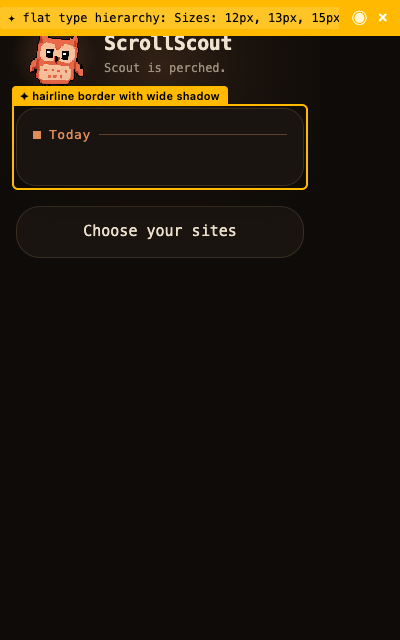
ScrollScout for Chrome gates the sites you choose behind one question: what did you come to do? Work answers pass instantly. Checking a thread for a ticket, looking up a post someone linked in the standup, posting the release note. The reflex has no answer, and closing the tab is the walk-away win.
Make feeds opt-in during the day
Some distracting sites are also work tools, which is exactly how they get away with it. Feed mode splits them: YouTube search works while the home feed and Shorts sleep, X notifications work while the timeline hides, LinkedIn stays useful without the scroll. When you genuinely want to browse on a break, the banner offers a timed feed window, and the feed leaves again when it ends.
One promise across phone and laptop
Break time is when the phone takes over, and the phone reflex is the stronger one. The ScrollScout iPhone app runs the same check-in before TikTok, Instagram and the rest, built on Apple Screen Time, with the same rule everywhere: enter with a plan, or walk away with the win. One promise, every screen, which is the only version of this that survives a stressful week.
Good questions
How do I stop scrolling on my work computer?
Move the decision to the moment a distracting site opens. A browser check-in that asks what you came to do catches the alt-tab reflex the way app pauses catch the phone reflex. Feed mode keeps work tools like YouTube and LinkedIn usable while their feeds sleep during the day.
Can my employer see my check-ins?
No. ScrollScout for Chrome makes no network requests, keeps no account, and sends nothing anywhere. Intentions and daily numbers stay in your browser's local storage on your machine.