
Hide YouTube Shorts without losing YouTube
You searched for one video and surfaced forty minutes later in Shorts. The fix is not quitting YouTube, it is splitting it: hide the home feed and Shorts while search, subscriptions and direct links keep working, and open the feed on purpose when you actually want it.
The problem is not the video you searched for
YouTube is two products wearing one URL. There is the tool: the tutorial you searched for, the channel you subscribe to, the link a friend sent. And there is the feed: an autoplaying wall of recommendations and Shorts tuned to keep you there. Site blockers cannot tell them apart, so they take the tool away with the feed, and get disabled within a week because you genuinely needed the tutorial.
Feed mode: shelf off, search on
ScrollScout for Chrome hides the feed surfaces and leaves the rest alone. With YouTube set to Hide feeds, the home recommendations and Shorts disappear. Search works. Subscriptions work. Any direct video link opens normally. You use YouTube the way you would use a library instead of the way the casino floor is laid out.
Open the feed on purpose
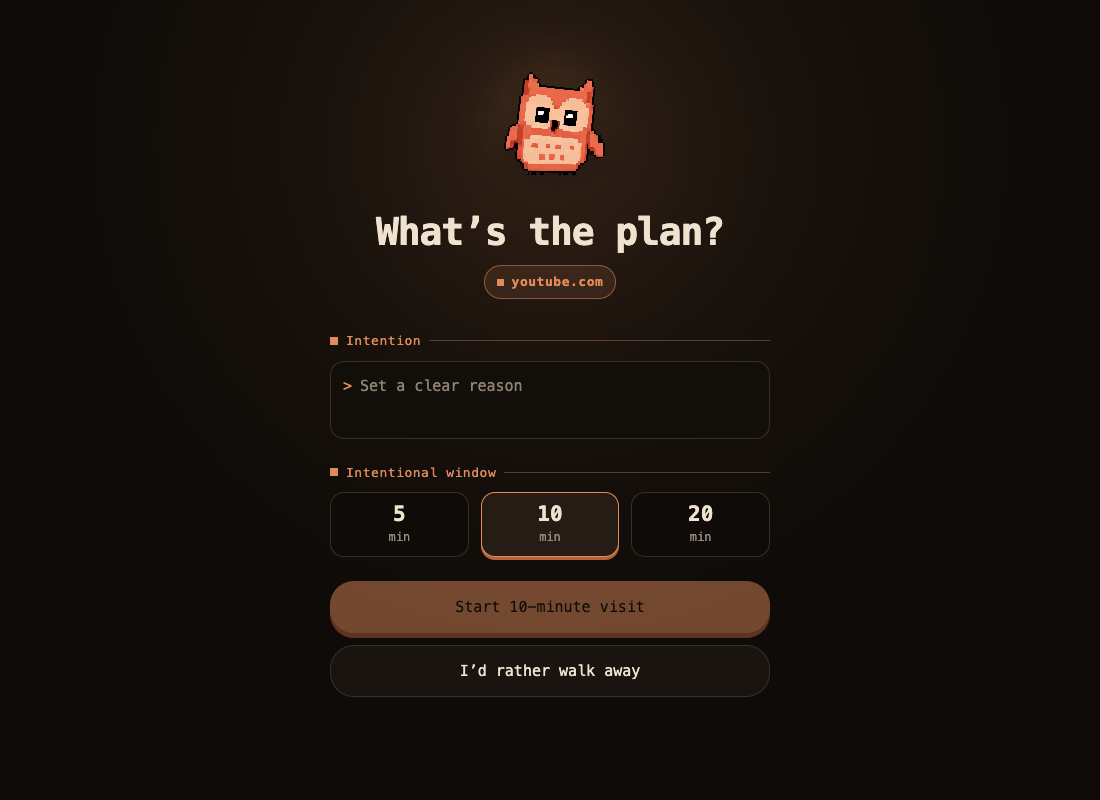
Some evenings you want to browse, and that is allowed. Where the feed used to be, Scout leaves a small banner. Tap it, say what you are in the mood for, pick a window, and the feed returns in every open YouTube tab for exactly that long. At expiry it hides again, right where you are, no redirect. Browsing you chose is downtime. Browsing that chose you was the problem.
Set it up in two minutes
- Install ScrollScout for Chrome and open its options page.
- Set YouTube to Hide feeds. The change applies to open tabs immediately, no reload.
- Pick which regions to hide with the per-surface switches, if you want Shorts gone but the home feed kept, or the reverse.
Good questions
Can I hide Shorts but still search YouTube?
Yes. Feed mode in ScrollScout for Chrome hides the home feed and Shorts while search, subscriptions and direct video links keep working. The tool stays, the slot machine sleeps.
What happens when I want to browse the feed?
The in-page banner offers a feed window. Name what you are in the mood for, pick the minutes, and the feed comes back in every open YouTube tab for exactly that long, then hides again without yanking you off the page.